Skip to Content
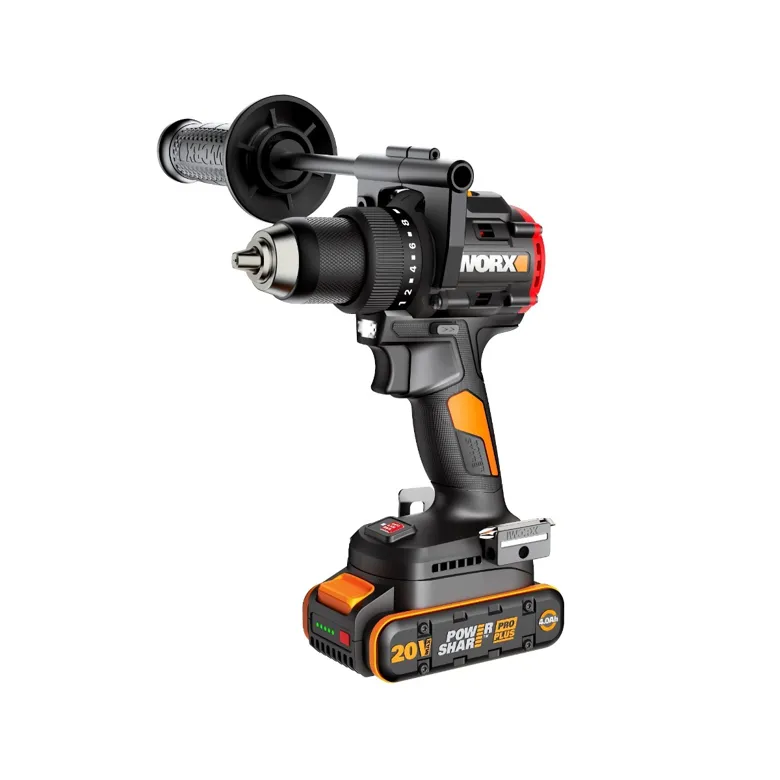
(WX109L) NITRO 20V 930 IN-LN BRUSHLESS DRILL/DRIVER
Cannot change bit
Try this solution
Turn the KEYLESS CHUCK left to loosen the chuck head
Switch out the bit. Turn the KEYLESS CHUCK right to secure the bit in place.
Note: Always lock off the on/off switch
and disconnect tool from power source when
changing accessories. Always ensure the bit is
secure before starting the tool.
On this page